

Купить Crosshair Pro


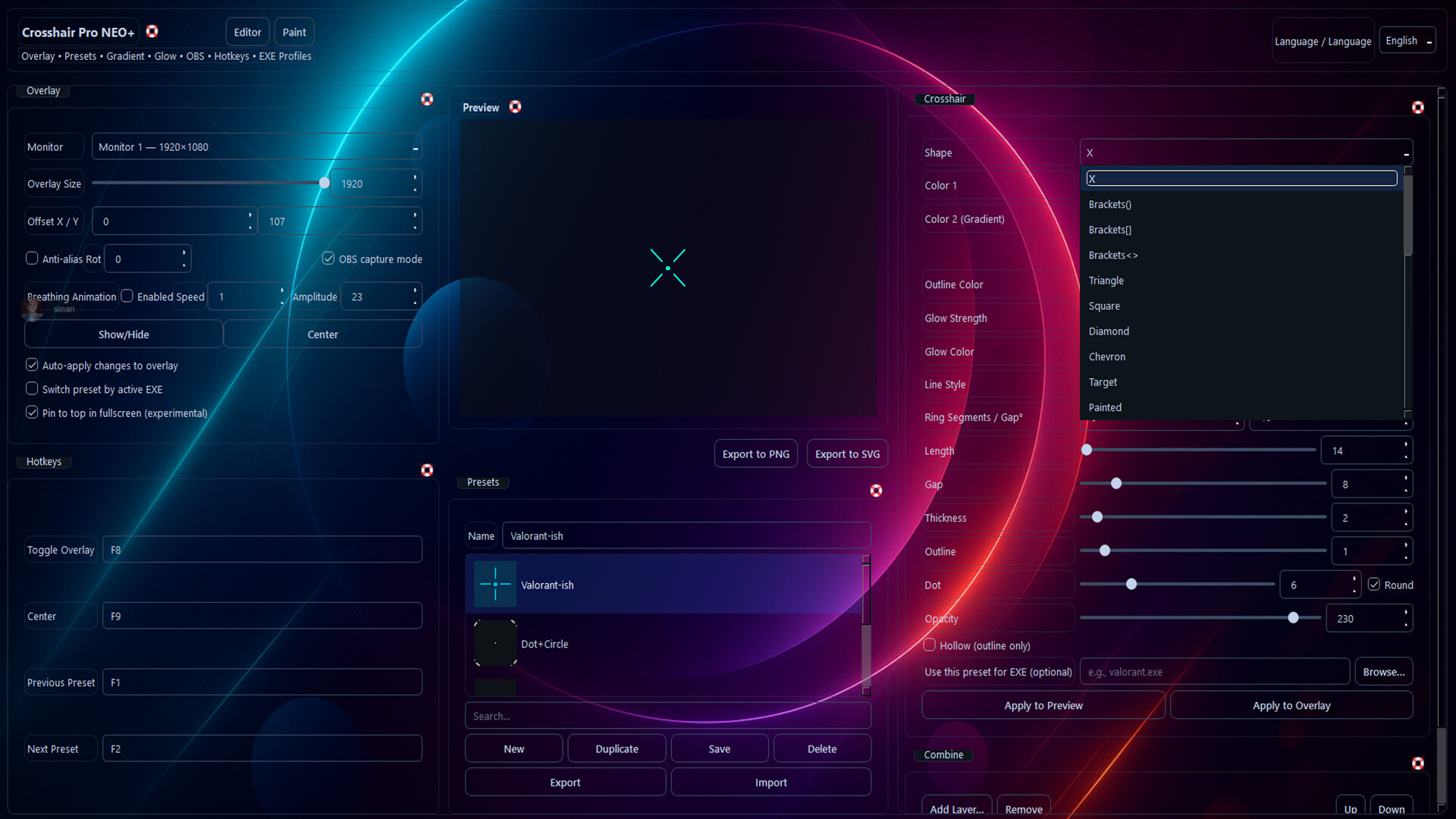
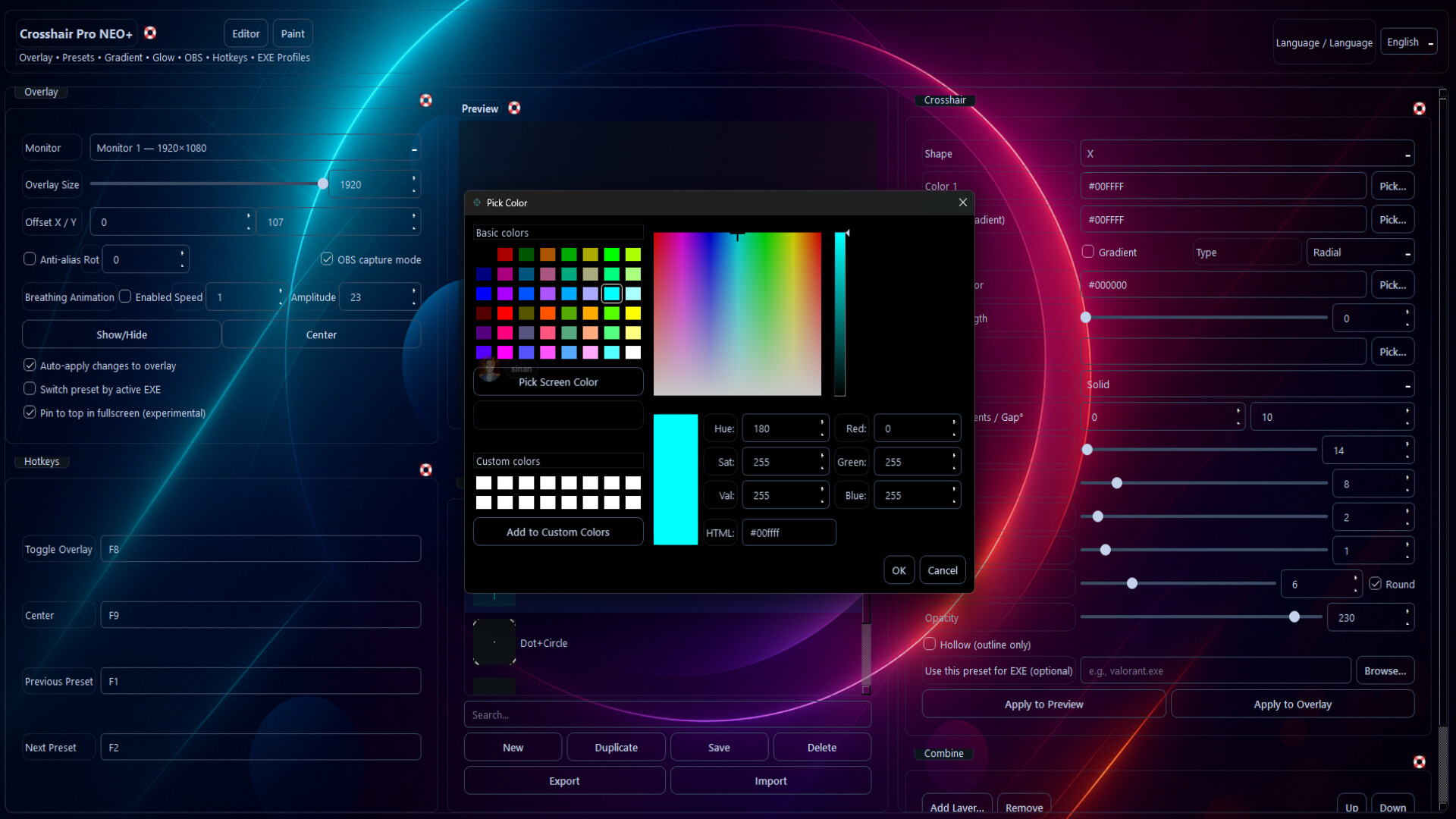
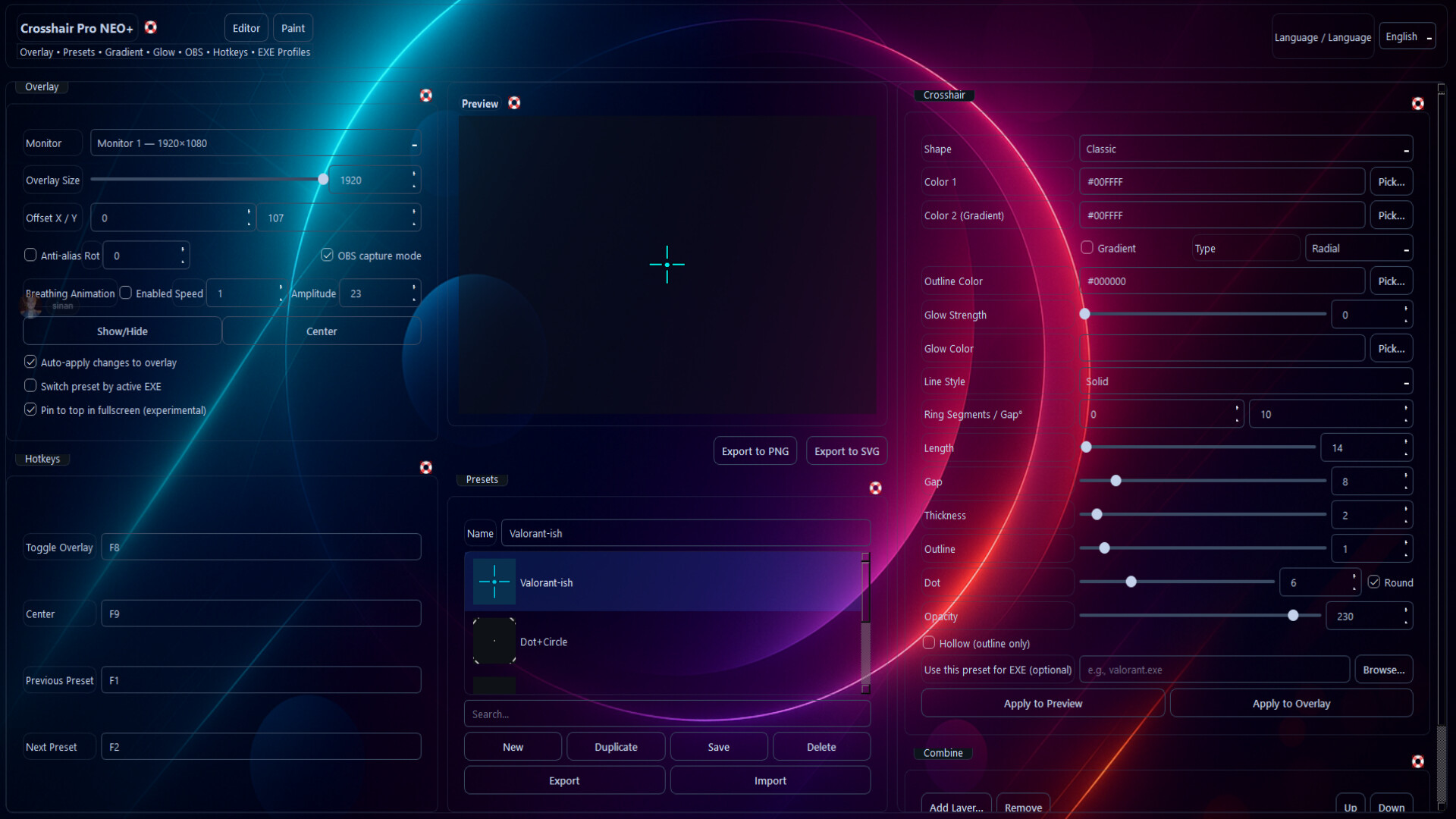
Crosshair Pro is a modern overlay app that runs over games. Customize your crosshair with live sizing, glow, gradients, ring segments, dot/line styles, OBS mode, and global hotkeys. Save presets, export as PNG/SVG, or auto-switch by active EXE.

Crosshair Pro — Modern Crosshair Overlay
Crosshair Pro is a modern crosshair overlay app built for competitive FPS/TPS players. It runs as a desktop overlay (no injection), delivering a stable, low-latency, and highly customizable experience for both streaming and everyday play.
Customize with live resizing, gradient & glow effects, layered design (Combine/Layer), ring/dot/line styles, pixel-perfect alignment, EXE-based auto profile switching, OBS compatibility, and global hotkeys. Save designs as PNG/SVG and share or import presets from the community.
Highlights
Crosshair Overlay: Non-injecting, low-latency desktop overlay.
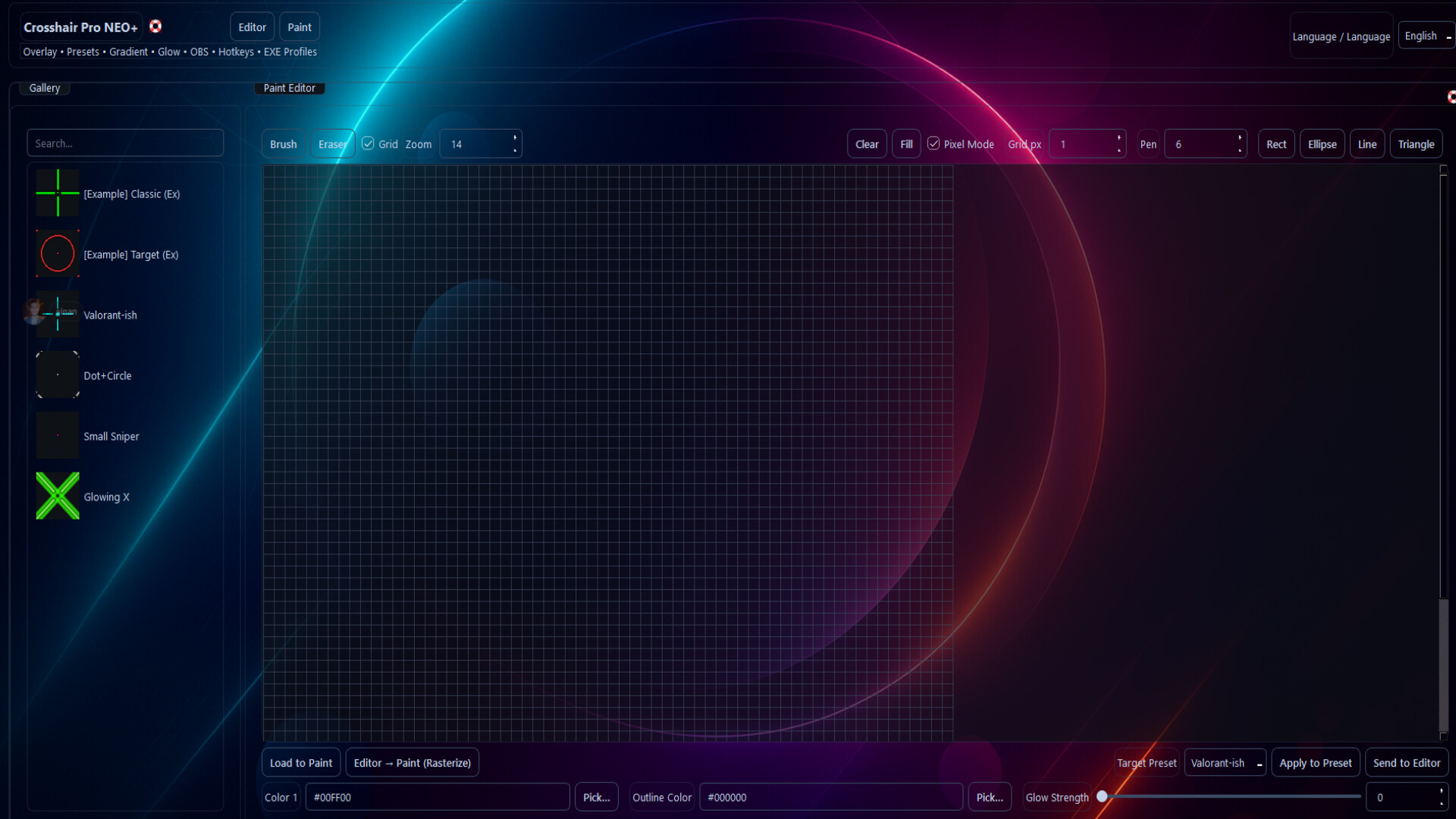
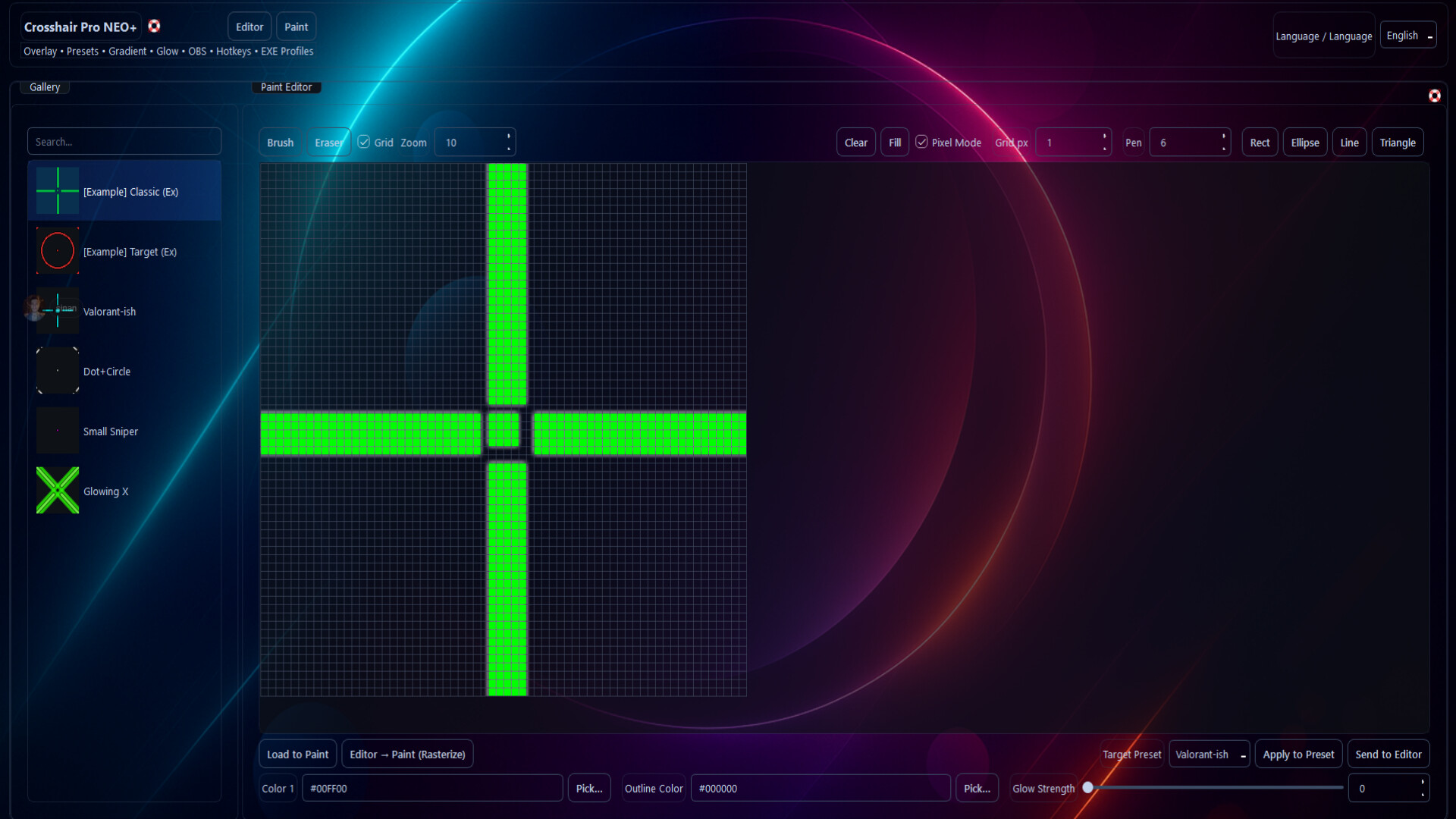
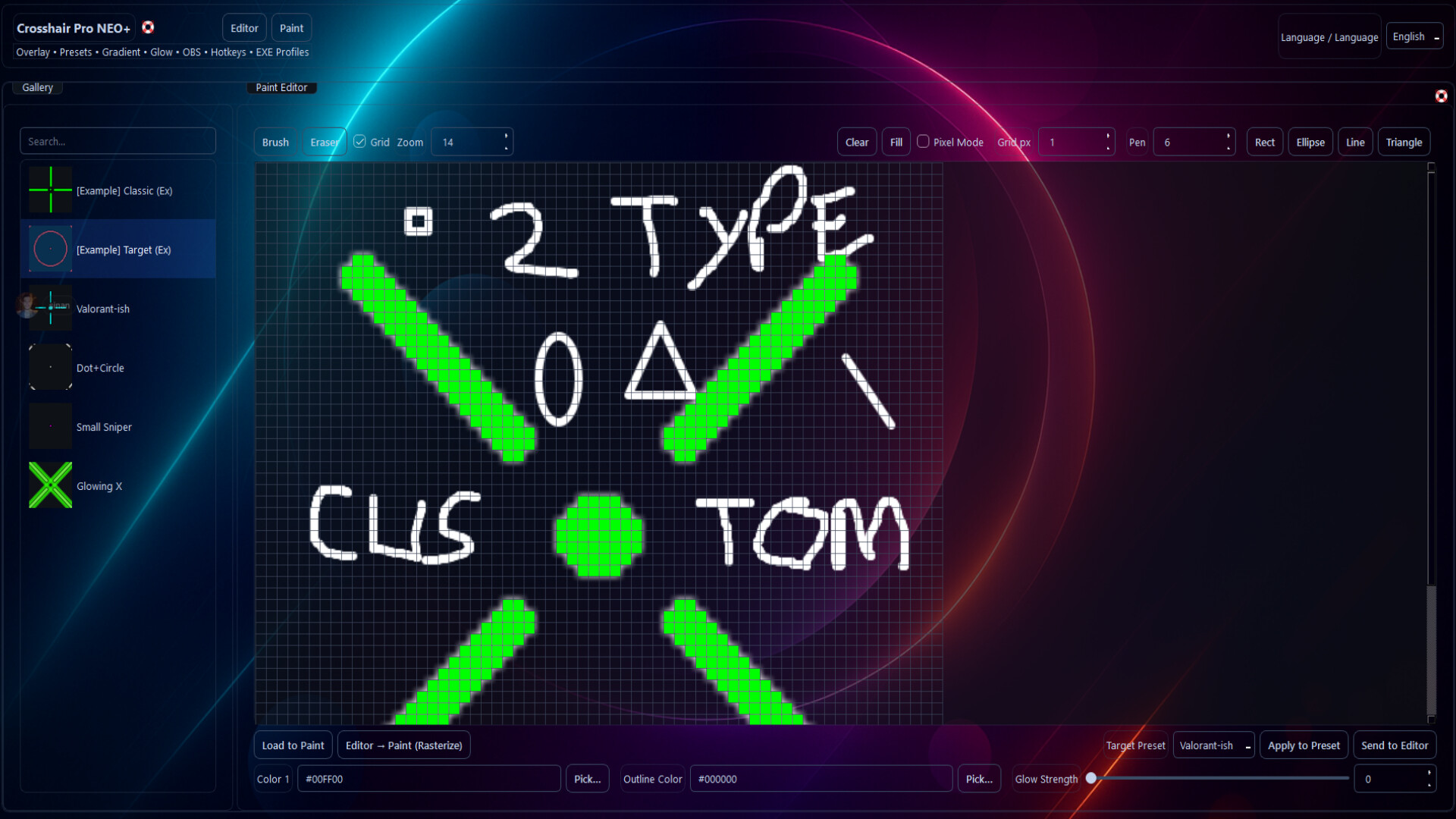
Paint++ Editor (64×64): Pixel & freehand drawing; rectangle, ellipse, line, triangle tools.
Layers: Dot + ring + line; per-layer color/gradient/glow.
Live Resizing: Fine control over thickness/gap/opacity, axis lock, precise alignment.
EXE Profiles 2.0: Automatically switches profiles based on the active game.
Global Hotkeys: Toggle visibility, switch profiles, increase/decrease size, and more.
OBS Capture Mode: Smooth window/game capture during streams.
PNG/SVG Export: High-quality exports of your designs.
TR/EN UI: Full bilingual interface and tooltips (Turkish/English).
Safe Architecture: Non-injecting overlay approach aligned with anti-cheat policies.
What’s New in Crosshair Pro
Paint++: 64×64 canvas, adjustable grid thickness, shape tools, image import, and Apply to Preset.
OBS & Click-Through improvements, refined tray behavior, DPI & multi-monitor enhancements.
Who Is It For?
Competitive FPS/TPS players
Streamers (OBS-ready)
Anyone who wants pixel-level control over their crosshair design
- Если не установлен Steam клиент, скачайте его для Windows (клиент также доступен на Mac и Linux) и установите.
- Запустите Steam, зайдите в свой аккаунт или зарегистрируйте новый, если у вас его еще нет.
- При оформлении заказа, предоставьте ссылку на свой профиль в Steam или ваш SteamID состоящий из 18 цифр (765***).
- Ожидайте приглашения от нашего бота (если у вас аккаунт с ограниченными правами) или добавьте бота в друзья (ссылка на бота будет предоставлена после успешной оплаты).
- После того, как вы добавите нашего бота в друзья, игра автоматически (время ожидания обычно составляет не более 3-10 минут) будет отправлена вам в виде подарка (гифта).
- Примите подарок, добавьте в Библиотеку и нажмите «Играть».













и мы вам напишем, если цена на этот товар снизится